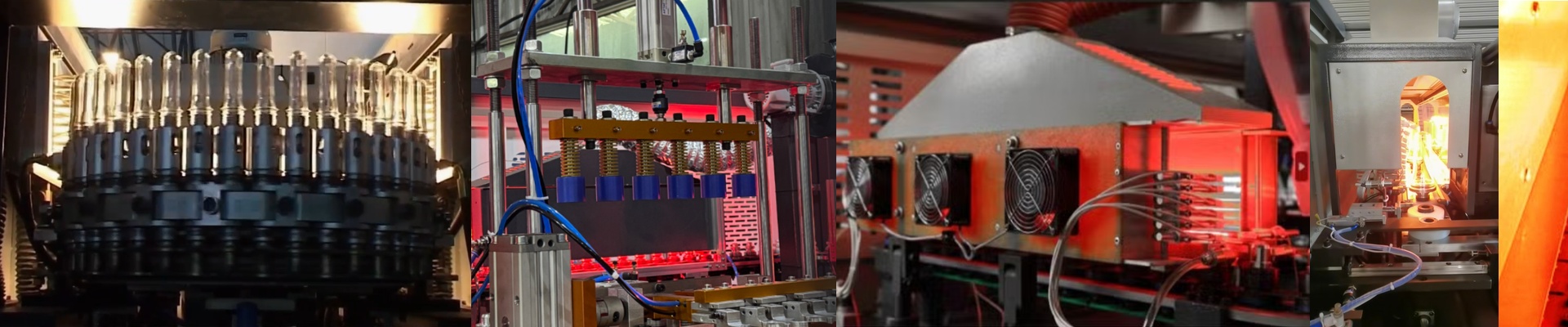

Stop Fighting Heat Fluctuations on Your SIPA Rotary Machines
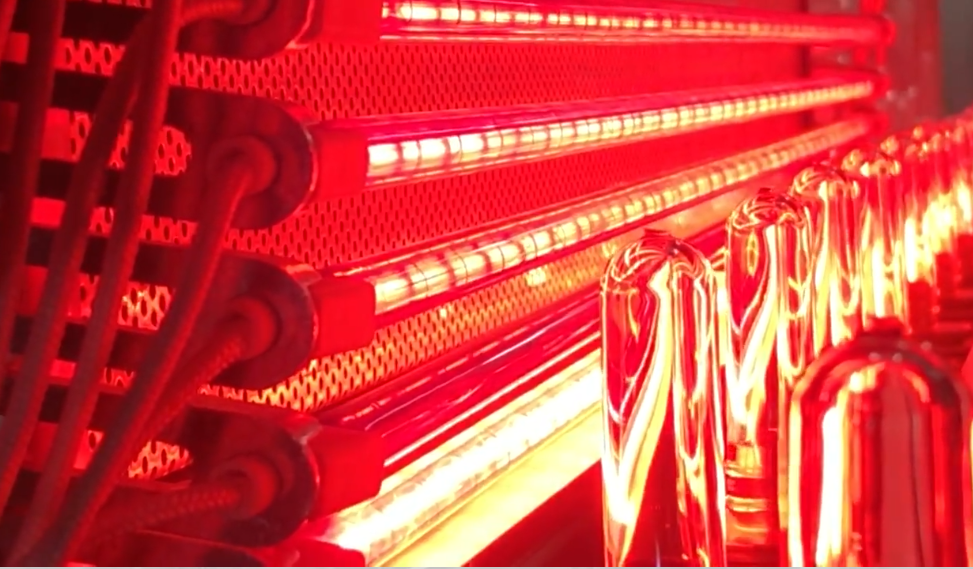
If you’re running PC preforms on a SIPA rotary, you know the headache of uneven heating. One minute things are fine, and the next you’re staring at wall thickness variations and structural defects that kill your yield. The culprit is usually the lamps. Most “universal” replacements look right on paper, but their actual wattage is off. They don’t hit the OEM spec. We do things differently. We build our infrared lamps to match the required power output exactly. No guessing. No “close enough.” Just a steady, reliable heat. Why the wattage actually matters Here is the thing: if your machine expects a certain amount of power but the lamp under-performs, your PLC tries to compensate. It pushes the duty cycle to the absolute limit just to keep up. That’s a recipe for disaster. The lamp runs way too hot and burns out long before it should. We calibrate our filaments so the voltage-to-wattage ratio hits the bullseye. It keeps the heating profile stable across the whole oven, which means your machine stops fighting itself. The nuts and bolts We use high-purity quartz glass and halogen gas fills to keep the heat density high. Since PC materials need a very specific softening temperature, we lean into short-wave radiation. And the best part? You don’t have to mess with your wiring. These use standard R7s or SK15 connectors. You just pull the old tube out, pop the new one in, and you’re back in business. A quick heads-up on airflow When you get the power output dialed in, your preforms hit that softening point consistently. Scrap rates drop. Everything just feels… tighter. But there is one catch. When these lamps are humming along at 100% power, they put more heat load on your cooling fans. If your ventilation is clogged or just too weak, the ambient temperature inside the oven will creep up. That’s when you start seeing preforms sag. Keep your airflow clear, and these lamps will do the heavy lifting for you.